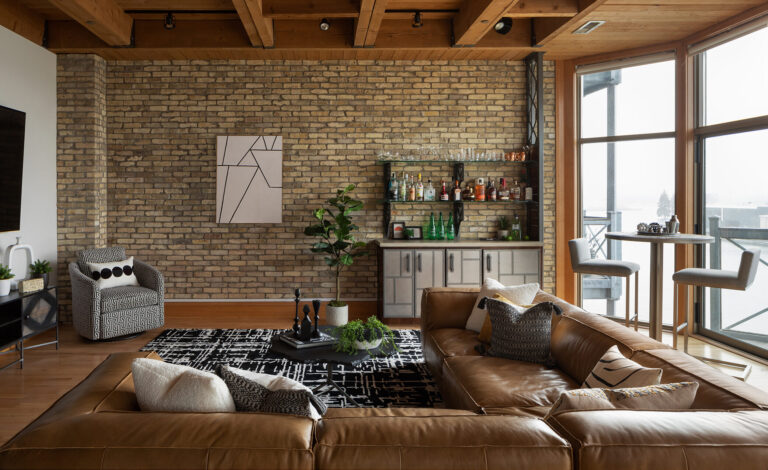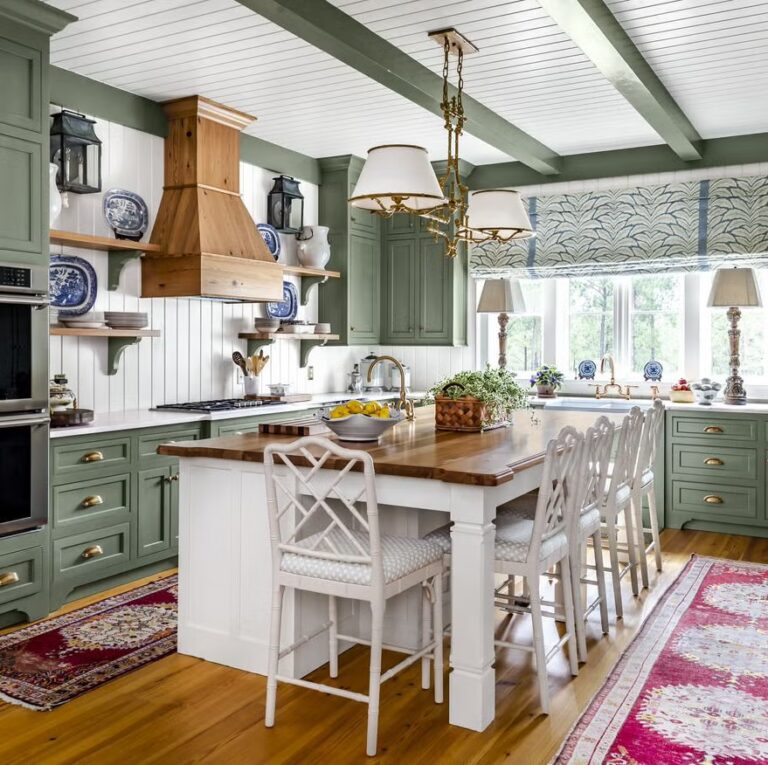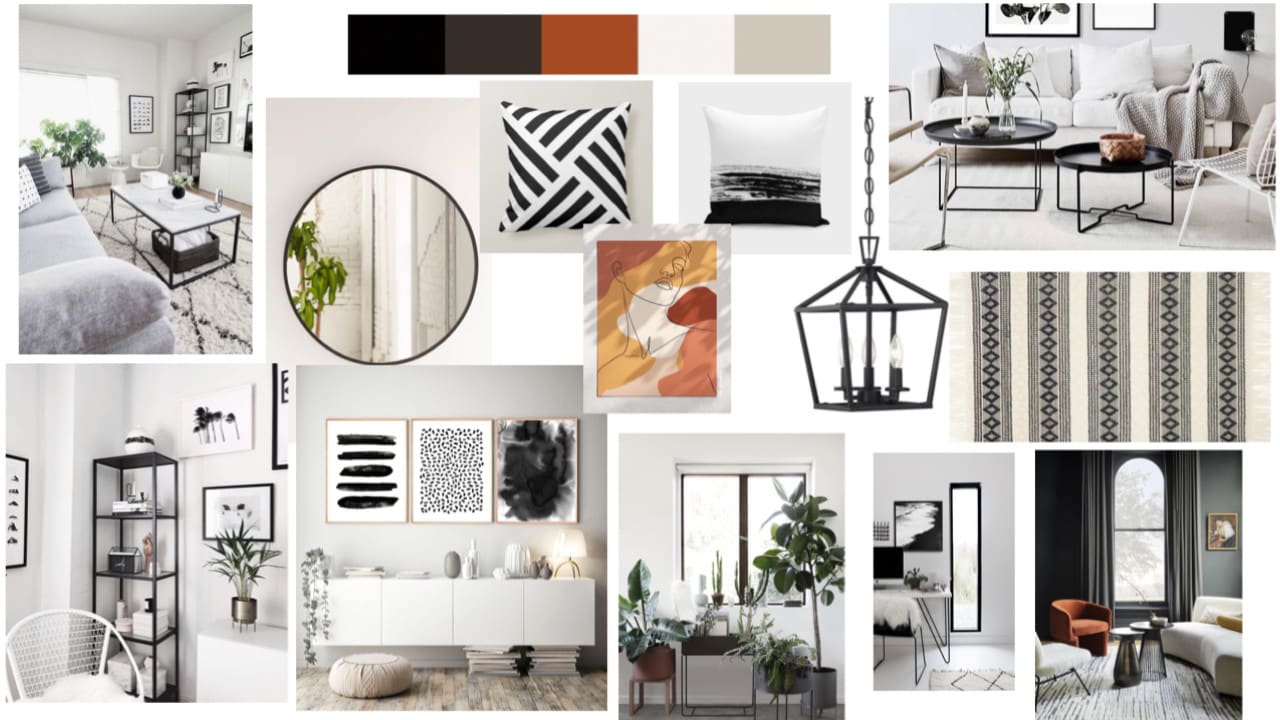
Interior Mood Board Ideas: Creative Inspiration for Designing Stylish Spaces
Interior Mood Board Ideas: Creative Inspiration for Designing Stylish Spaces
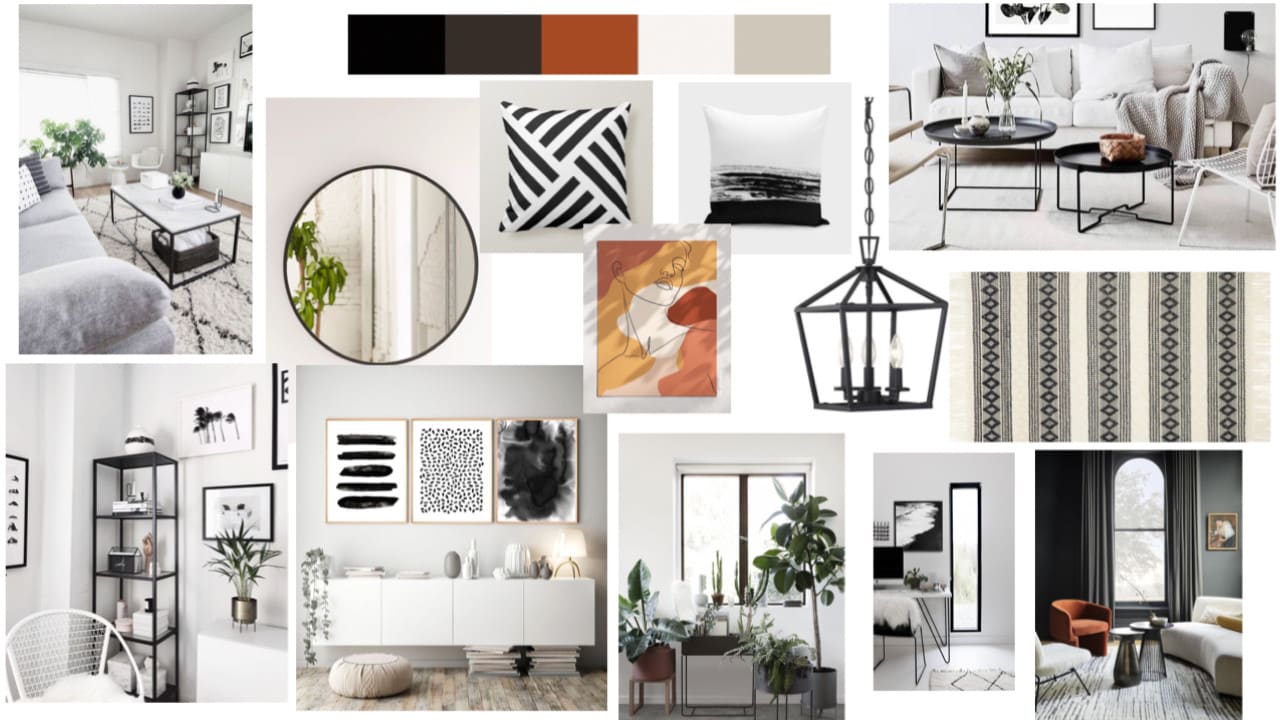
Every great interior design project begins with inspiration — and one of the most effective ways to organize that inspiration is by creating a mood board. An interior mood board allows designers, homeowners, and decorators to visualize ideas, refine aesthetics, and set the creative direction for a space. It serves as a visual tool that combines colors, textures, furniture, and accessories into a cohesive design vision.
This article explores the concept of an interior mood board, why it is such an essential tool in design, practical benefits, and real-world examples that demonstrate its value. Whether you’re a professional interior designer or a homeowner planning a renovation, these mood board ideas will help transform your vision into reality.
What is an Interior Mood Board?
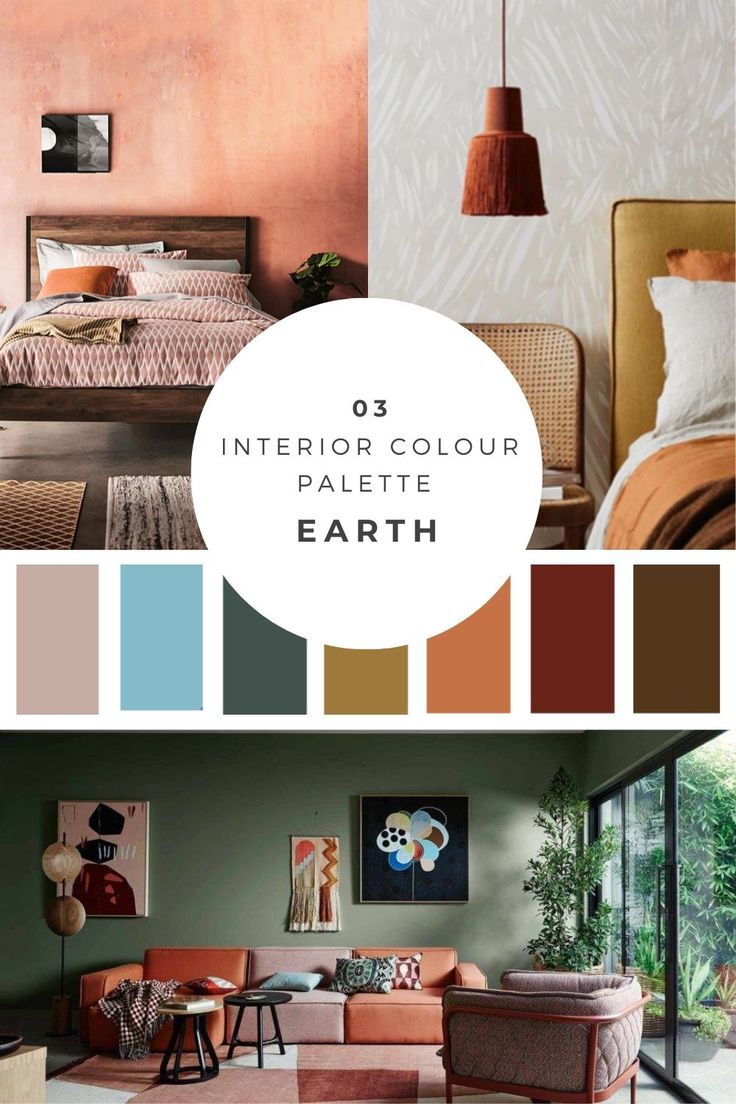
An interior mood board is a curated collection of images, materials, and design elements that represent the look and feel of a space. It functions as a visual guide, capturing the essence of a design concept and providing clarity throughout the creative process.
Mood boards may include fabric swatches, paint colors, flooring samples, furniture images, and accessories. Digital tools have expanded possibilities, enabling designers to combine high-quality visuals with textures and palettes into cohesive presentations.
Why Mood Boards Are Essential in Interior Design
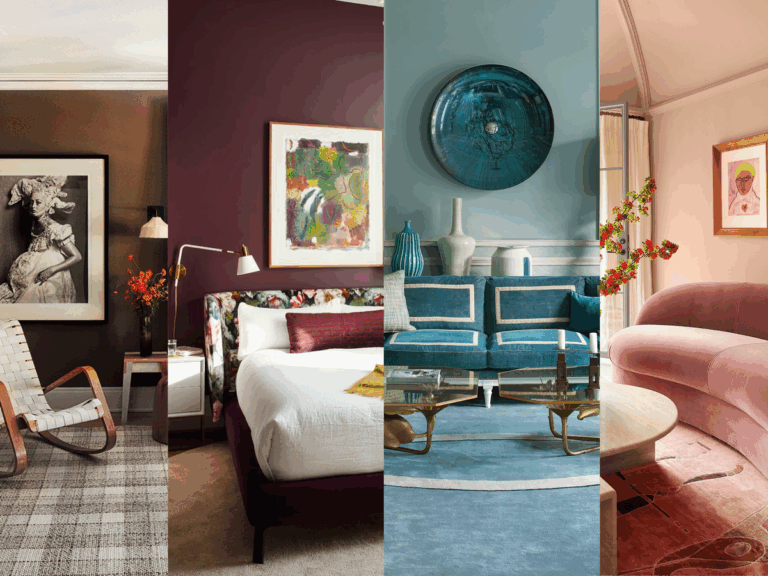
Mood boards bridge the gap between imagination and execution. They give form to abstract ideas, making it easier for clients, homeowners, and designers to communicate and align on a shared vision.
For example, instead of describing “a cozy living room with natural textures and warm lighting,” a mood board can showcase soft wool throws, rustic wooden coffee tables, and amber-toned lamps. This clarity ensures fewer misunderstandings and smoother execution.

Canva Digital Mood Board Templates
One of the most accessible tools for creating interior mood boards is Canva. Their customizable templates allow users to upload textures, color palettes, and furniture inspiration, arranging them into cohesive layouts.
Relevance: Canva demonstrates how digital technology simplifies mood board creation. By dragging and dropping elements, homeowners can experiment with different design directions without committing to purchases.
Pinterest as a Visual Inspiration Tool
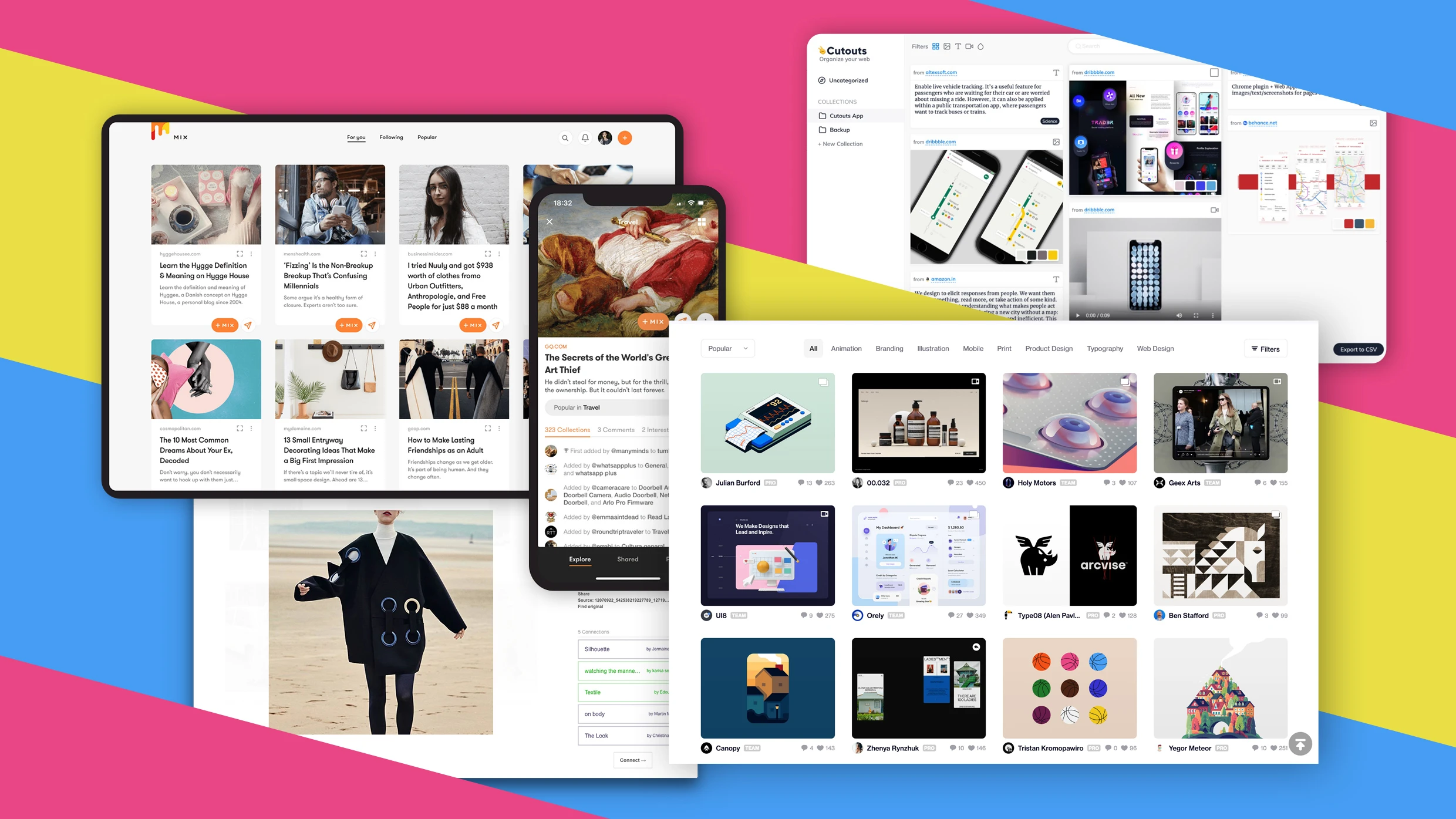
Pinterest is widely used by interior designers to create boards filled with style references. Users can save images of rustic kitchens, Scandinavian living rooms, or modern minimalist bedrooms, all in one place.
Relevance: Pinterest provides endless visual inspiration and allows designers to see how different styles can complement each other. It is especially useful for spotting trends and gathering creative direction.

Adobe Photoshop for Professional Mood Boards
For designers who want precision and flexibility, Adobe Photoshop remains a powerful tool. It allows layering, color adjustments, and scaling, enabling the creation of polished and professional mood boards.
Relevance: Photoshop’s advanced editing tools highlight how digital platforms enhance the creative process, making it possible to fine-tune details and create client-ready presentations.
Sample Boards with Real Materials
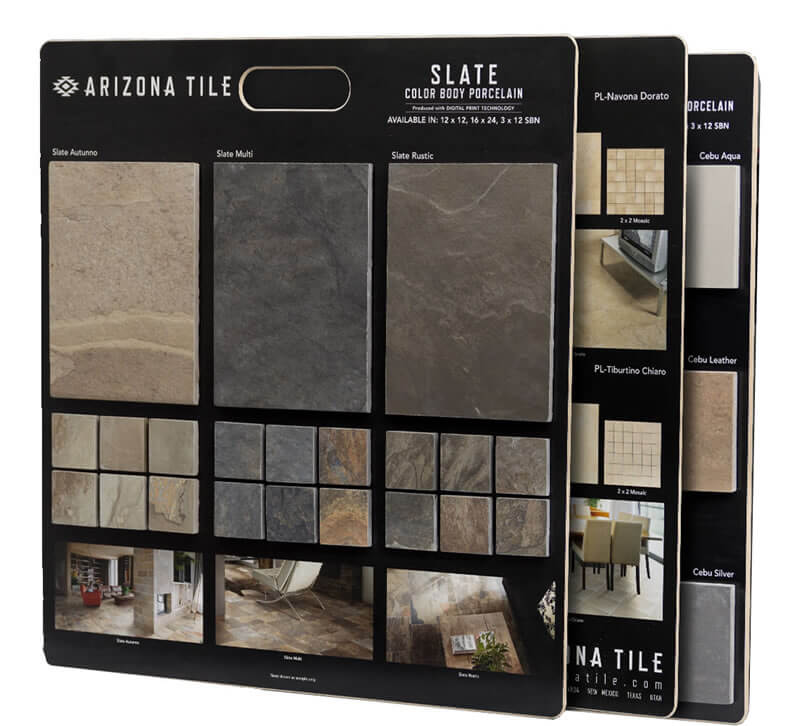
Physical sample boards remain valuable, especially for projects requiring tactile elements. Designers often mount fabric swatches, paint chips, flooring samples, and hardware finishes on boards to give clients a tangible sense of the design.
Relevance: This example emphasizes that mood boards don’t have to be digital. Feeling the texture of fabrics or seeing the true color of wood under natural light creates a more authentic design experience.
Milanote for Collaborative Design Mood Boards
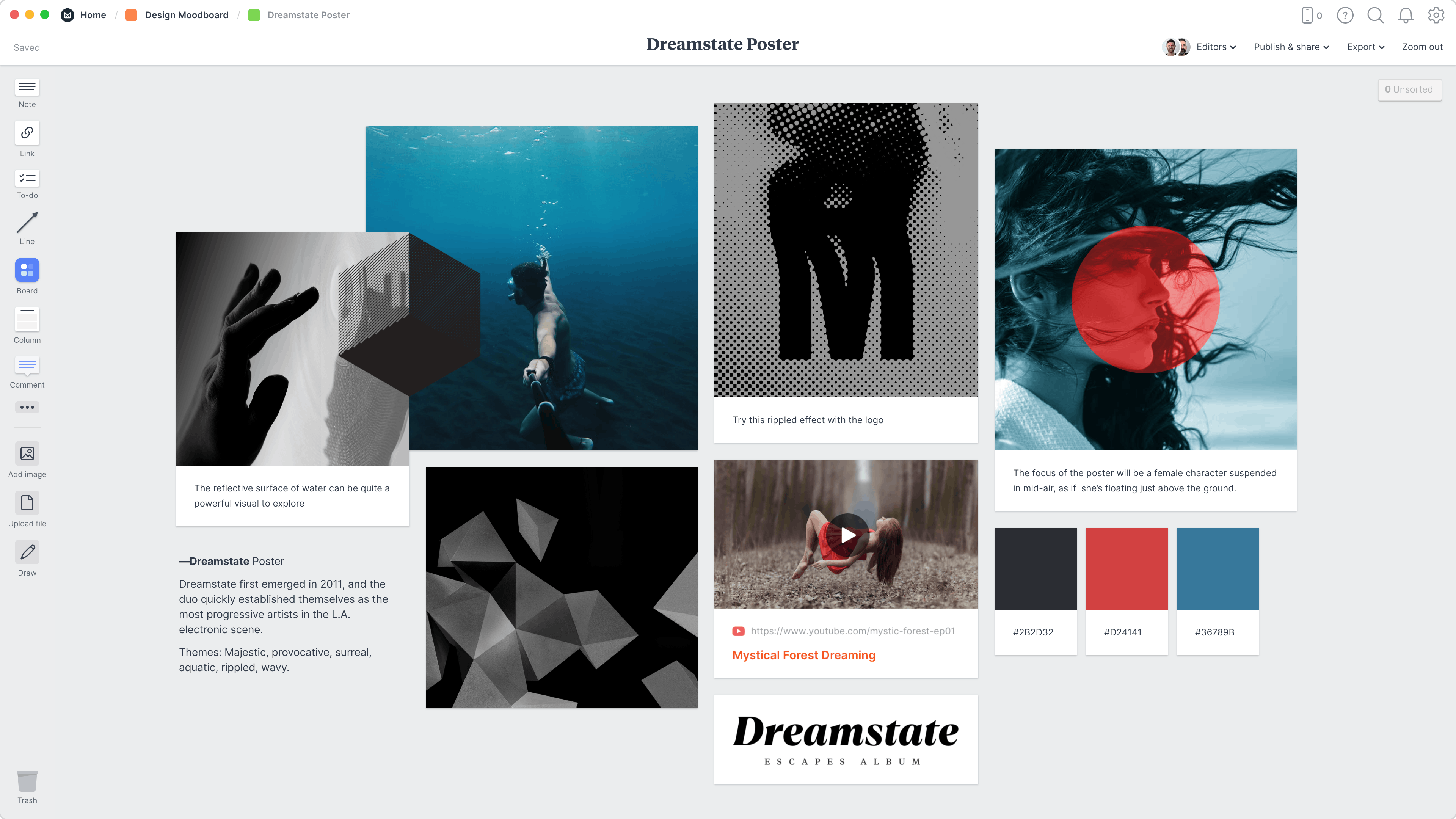
Milanote is a digital platform designed for creative collaboration. It allows teams to share, edit, and comment on mood boards in real time. Designers and clients can work together, regardless of location.
Relevance: Milanote illustrates how technology enhances collaboration in interior design. Remote clients can stay engaged in the creative process, making projects more efficient and transparent.
Benefits of Using Interior Mood Boards
Creating a mood board offers several practical advantages beyond aesthetics.
-
Clarity of Vision: Mood boards help solidify abstract ideas into a clear design direction.
-
Better Communication: Designers and clients can align expectations visually, avoiding misunderstandings.
-
Creative Exploration: Mood boards allow experimentation with multiple styles before making costly commitments.
-
Organization of Inspiration: Collecting textures, colors, and furniture pieces in one place ensures design consistency.
-
Efficiency in Execution: Contractors, furniture suppliers, and decorators can all use mood boards as references for accurate results.
Practical Use Cases of Interior Mood Boards
1. Designing a New Home
Homeowners building from scratch can use mood boards to decide on color schemes, furniture types, and finishes before making purchases.
2. Renovating a Kitchen or Living Room
Mood boards help homeowners visualize how cabinetry, countertops, and lighting fixtures will complement each other in a renovation.
3. Aligning with Contractors and Designers
Instead of relying on verbal descriptions, a mood board communicates design ideas clearly to contractors, reducing the chance of errors.
4. Exploring Seasonal Redesigns
Mood boards can guide temporary design updates, such as switching to lighter palettes in summer or cozier textures in winter.
5. Showcasing Style Concepts to Clients
Interior designers often use mood boards to pitch ideas to clients, offering them a visual snapshot of potential design directions.
Frequently Asked Questions
1. What should I include in an interior mood board?
An effective mood board typically includes a color palette, furniture inspiration, textile samples, flooring or wall finishes, and decorative accents. These elements provide a holistic view of the design.
2. Is a digital mood board better than a physical one?
Both formats have advantages. Digital mood boards are convenient and easily shared, while physical boards provide a tactile experience that better represents real materials. Many designers use both in combination.
3. Can beginners create effective mood boards without design training?
Yes. Beginners can use free tools like Canva or Pinterest to build simple but effective mood boards. The key is to focus on consistency in colors, textures, and style rather than perfection.